
Menus
The goal this week was to start creating menus, in particular a settings menu. The goal wasn't entirely achieved as there was a lot of missing pieces, but I'm getting there.
Gpu Resources
Let's talk GPU resources, because, as I create a main menu world, I need to think about how GPU resources will survive (or not) when switching worlds.
Reminder: memory allocation and deallocation with OpenGL is a bit finicky as they can both pretty much only happen on main thread. This means that classic RAII or use of smart pointers isn't sufficient (in case a pointer is released from non-main thread).
Previously
I implemented a concept of templated Registry and Handle.
The registry object is templated by a resource type (a texture, a mesh, etc.) and is responsible for:
- remembering how many user of a given resource there are
- remembering resources with no users, so they can be released by main thread whenever possible
- resolving weak resource references when needed
Few issues:
- that's a lot of responsibilities tied together (so cannot opt out of some features)
- there is no composition, the templates are instantiated per complex pipeline object (e.g. a mesh with its multiple buffers to allocate and deallocate) which makes the pattern awkward to use for unique resources (e.g. the pipeline's render targets, for which there is only 1 existing at any moment)
Better
So the idea is to manage the basic gpu resources (programs, framebuffers, buffers, textures) with a simple RAII object:
struct GlDeleteQueue
{
    // called from any thread
    void deleteBuffer(GlId id)
    {
		auto const lock = std::lock_guard{ m_mutex };
        m_buffersToDelete.push_back(id);
    }

    // called on main thread only
    void processBufferDeletions()
    {
		auto const lock = std::lock_guard{ m_mutex };
        // this is the call that can only be done on main thread
        glDeleteBuffers(m_buffersToDelete.size(), m_buffersToDelete.data());
        m_buffersToDelete.clear();
    }

    std::mutex m_mutex;
    std::vector<int32_t> m_buffersToDelete;
};

struct GlBuffer
{
    GlBuffer(GlDeleteQueue& deleteQueue, GlId id)
        : m_deleteQueue{ &deleteQueue }
        , m_id{ id }
    {
    }

    ~GlBuffer()
    {
        // RAII: we correctly release our resource upon deletion
        m_deleteQueue->deleteBuffer(m_id);
    }

    GlDeleteQueue* m_deleteQueue = nullptr;
    GlId m_id;
};
Then complex objects come with composition for free (kinda free .. it's a bit more work, but it's definitely easier to maintain):
struct GlMesh
{
    GlVertexArray vao;
    GlBuffer vbo;
    GlBuffer ebo;
};
The sharing and weak-reference resolution is completely omitted from the design as it then comes for free with standard smart pointers.
With this pattern it's now easier to share all GPU resources (including frame buffers) in between worlds, and even to correctly release them when game shuts down.
Improved Game Flow
Safer World Swaps
As discussed last week, my world swap was already working. However I had overlooked a point: to swap world, I needed to prepare the new world while running the old one. This made things easily unsafe when it came to accessing some resources for the new world creation, and in a way that my thread-safe ECS architecture wasn't able to comfortably solve.
Indeed, in my engine each system runs from a multithreaded schedule and thus must declare the resources it accesses. To create a world there are often a lot of varied resources that need to be accessed (GPU resources, game configs, settings, etc.) and it is a bit wasteful having to sync a multi-threaded schedule around a system that will only rarely (during world swap) access a lot of resources yet lock them every frame.
The simple solution was to allow providing a closure in place of the world, allowing the engine to call the closure (to create the new world) only once the old world was done updating after the requested swap.
Menus
For now I'm going cheap and reusing ImGui. I'll surely upgrade to RmlUI later.
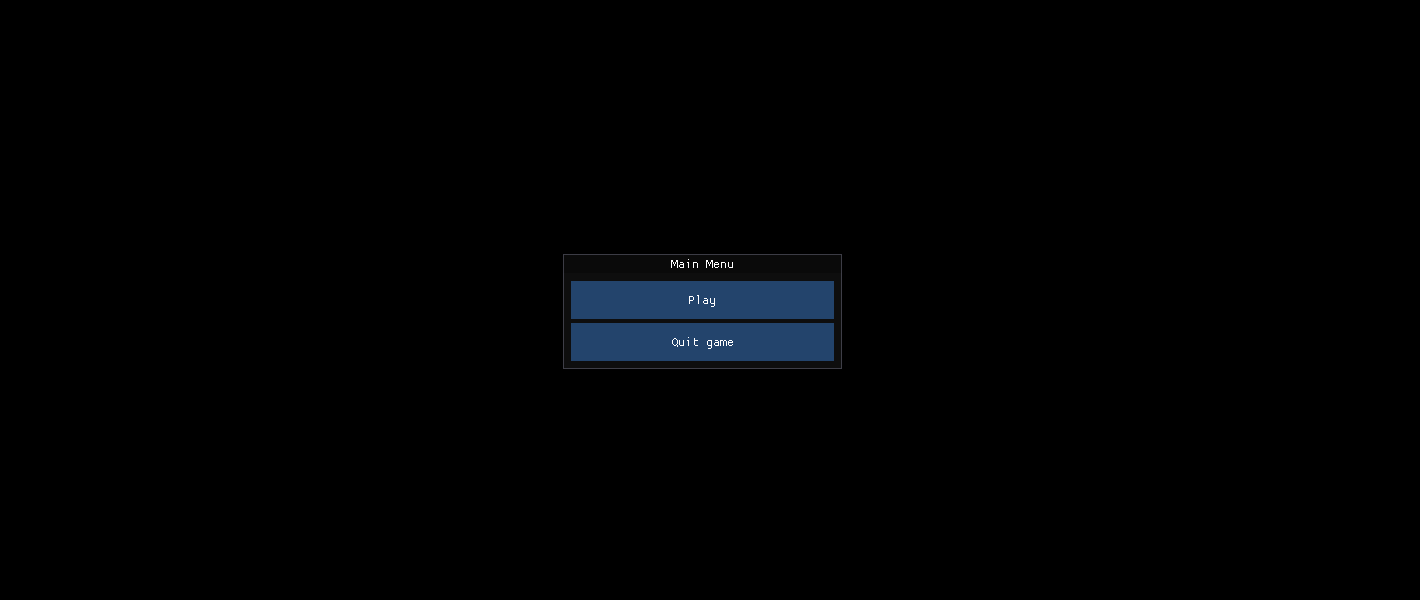
I first added a main menu (it's a dedicated world with dedicated main menu contexts and systems), and made the game boot to it. For now this world is accessed without a loading screen as it's far too cheap to load.
Then I added an in-game menu (just the dedicated contexts and systems, but this time in the existing gym world) to allow restarting the world or going back to the main menu.
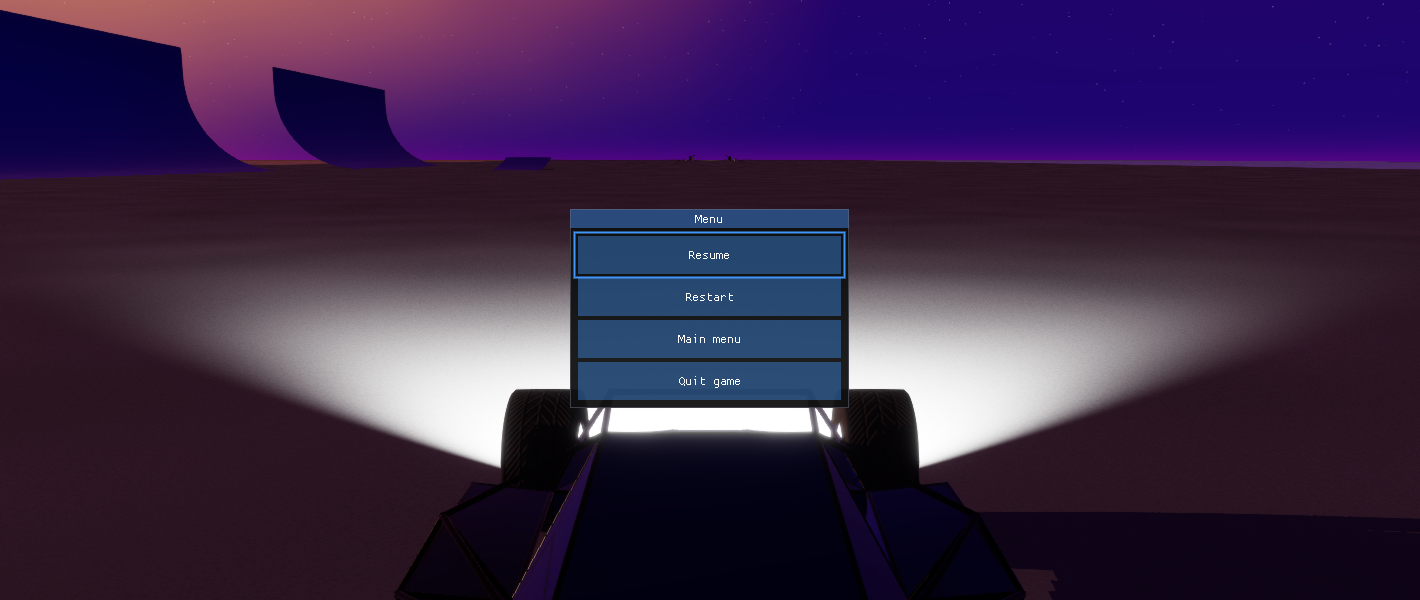
Finally I made a few changes to ImGui's gamepad navigation, so the player could use the left thumbstick to navigate through the menu (ImGui's default is mostly made for game devs with thumbstick hooked to scroll or move windows).
Settings
Ini Files
I decided to implement an extended `ini` format for my game's settings file. The idea is that `ini` is too restrictive (pretty much just a flat list of sections with key-literal pairs, no real object or array support), so I came up with some superset mostly inspired by `json`. Here is a sample:
[display]
monitorIndex = 0
windowMode = Borderless
windowSize = { X = 2560, Y = 1440 }
windowPosition = { X = 0, Y = 0 }
vsync = false

[dummy]
elements = [foo, 3.14, { bar = false }]
This way it will be easier to store more complex settings (e.g. input schemes?) while still offering a format players can modify by hand if desired.
Do I need to bore you with the reader/writer implementation? Just know it's fairly simple since everything is either an object, an array, or a literal (string/int/float are all the same thing).
Storage Abstraction
I implemented a very simple abstraction layer for local storage:
enum class StorageDomain
{
	Settings,
	Saves
};

struct IStorage
{
	virtual ~IStorage() = default;

	virtual std::unique_ptr<std::istream> openForRead(
		StorageDomain a_domain, std::string_view a_name) const = 0;

	virtual std::unique_ptr<std::ostream> openForWrite(
		StorageDomain a_domain, std::string_view a_name) = 0;
};
This allows the game to be more easily cross-platform when it comes to storing the game's saves and settings, including using Steam Cloud vs local storage.
Settings Store
Final work this week: I added another abstraction to collect the game's many settings sections (display, rendering, audio, etc.) and save/store them in a file, using the aforementioned storage abstraction.
Individually those features are not much, but used together they become very powerful:
// Load user settings
FileSystemStorage storage{ "Victor", "MyGame" };
SettingsStore settingsStore{ storage };
auto const& displaySettings = settingsStore.add<DisplaySettings>("display");
auto const& renderingSettings = settingsStore.add<RenderingSettings>("rendering");
settingsStore.load();

// Apply user settings to game configs
aoewi::DisplayConfig displayConfig;
neofl::applyDisplaySettings(displaySettings, displayConfig);
It's not much, but then seeing my files being loaded from my own %AppData% was an enjoyable moment.